
Floor Scrubber Battery Not Charging: What to Check
Scrubber battery flat or dying early? Check charger output, cell voltage and parasitic drain before spending money on a replacement battery.
In This Guide
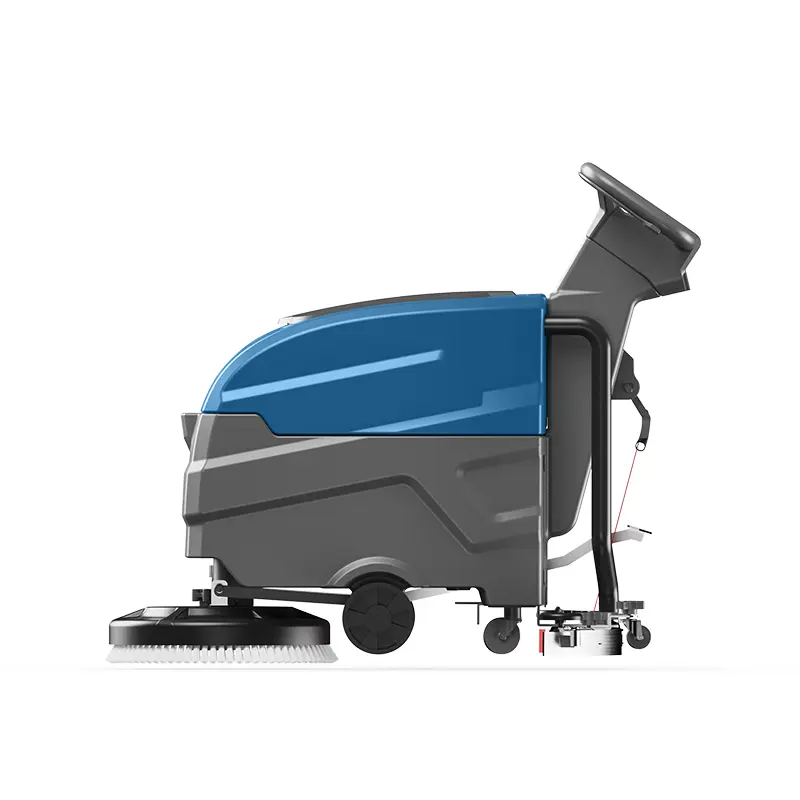
Symptom: Battery Won't Hold a Charge
Battery problems are the most frustrating and expensive scrubber issues. A machine that dies after 30 minutes instead of the expected 3-4 hours, or one that won't charge at all, can halt operations. The problem could be the charger, the batteries, or the machine's electrical system.
Step 1: Test the Charger Output
Before assuming the batteries are bad, verify the charger is working. Plug in the charger (not connected to the machine) and use a multimeter to check output voltage at the connector. For a 24V system, the charger should output 28-30V. For 36V, expect 42-44V. If output is zero or significantly low, the charger is faulty.
- Check the charger fuse — many chargers have an internal fuse that blows
- Check the AC power cord for damage, especially near the plug
- Some smart chargers won't output voltage unless connected to a battery (safety feature)
Step 2: Check Individual Battery Voltage
Most industrial scrubbers use multiple 6V or 12V batteries wired in series. A single bad battery in the series reduces the entire pack's performance. Disconnect the batteries and measure each one individually with a multimeter.
- 6V battery: should read 6.2-6.4V when fully charged, below 5.8V is suspect
- 12V battery: should read 12.6-12.8V fully charged, below 12.0V is suspect
- If one battery reads significantly lower than others: replace that one first
- Load test: a battery may show good voltage but drop sharply under load — needs replacement
Step 3: Check for Parasitic Drain
If the batteries charge fully but drain quickly even when the machine is off, something is drawing power continuously. Disconnect the negative battery cable and place a multimeter (in current/amp mode) between the cable and battery terminal. Any reading above 50mA indicates parasitic drain.
- Common drains: dashboard displays, hour meters, GPS trackers — some are normal
- Check for: stuck relays, shorted wiring, corroded terminals creating resistance
- Battery disconnect switch: install one to isolate batteries during storage (highly recommended)
Step 4: Battery Maintenance Best Practices
For lead-acid batteries, proper maintenance dramatically extends life. Check water levels monthly and top up with distilled water (never tap water) to just above the plates. Keep terminals clean and tight — corroded connections cause voltage drop and heat buildup. For lithium batteries, avoid deep discharge — recharge when the indicator shows 20% remaining.
- Lead-acid: water check monthly, equalization charge every 3 months, terminal cleaning
- Lithium: no maintenance required, but avoid storing at 100% charge for extended periods
- Storage: store at 50-60% charge in cool, dry location — never leave fully discharged
- Lifespan: lead-acid 1-3 years, lithium 3-5 years with proper use
Related Guides
Browse Machines by Type
Ready to Get Factory-Direct Pricing?
Get a quote within 24 hours. No middlemen — buy direct from the manufacturer and save 30-50%.
About the Author
Mark Wang is Sales Director at Aikerui with 15+ years of experience in industrial floor cleaning equipment. He has helped 2,000+ facilities across 50+ countries source factory-direct cleaning equipment.
About Aikerui
Aikerui is an industrial cleaning equipment manufacturer founded in 2008, operating its own 10,000+ square meter production facility in Anqing, Anhui, China. It manufactures floor scrubbers, sweepers and replacement parts, holds CE and ISO 9001 certification, and exports to 50+ countries. Every guide on this site is written by the manufacturer's own team — not a third-party agency.